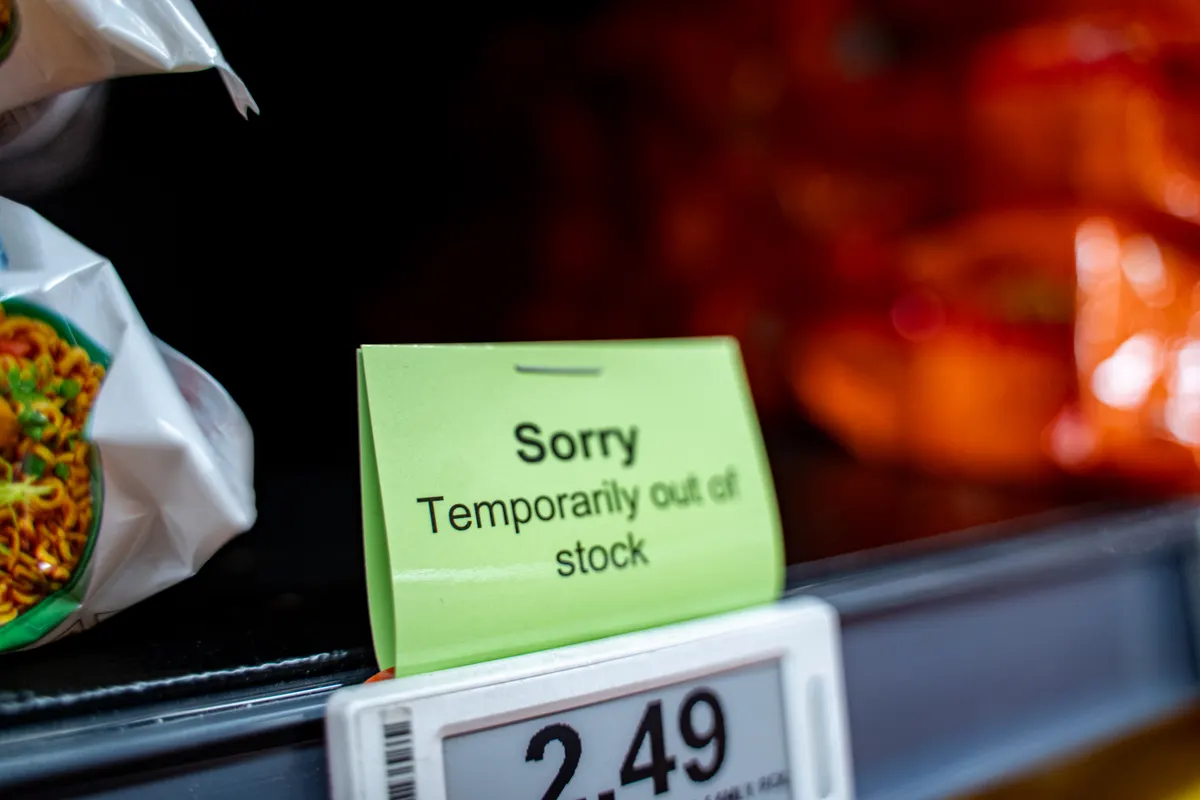
When a product sells out, the reflex in a lot of stores is to hide the page. Unpublish it, redirect it, or set it to draft, so nobody lands on something they cannot buy.
That solves a small problem and creates a larger one. The page is not just a place to buy the product. It is an address that other pages link to, that search engines have assessed, and that may have taken months to reach the position it holds. Remove it and you give that up. When the stock arrives in three weeks you start again from nothing, and the new page has to earn what the old one already had.
The better default is to keep the URL and change what is on it. The page keeps its position and its links, the visitor gets an honest answer and something useful to do next, and when stock returns you flip one field rather than rebuilding a page.
The page has two jobs while the product is gone
Job one is to hold the position. That means the address stays live, returns a normal response, stays in the sitemap, keeps its links from other pages and keeps enough content to still be about the thing it was about. A page that is stripped to a notice is a much weaker page than it was, and it may be treated accordingly.
Job two is to catch the visitor. Someone arrived wanting this product. They are the most qualified traffic the store gets, and they are one back button away from buying elsewhere. The page has to give them a next step that is genuinely useful, not a dead end and not a redirect that dumps them on a homepage.
Those two jobs are compatible, which is the good news. Keeping the page substantive serves the first, and adding a clear availability message plus a real alternative serves the second. What breaks both at once is treating the situation as an error to be hidden rather than a state to be communicated.
Keep the URL. Change the page. The position is the asset, not the stock.
Say the same thing about availability everywhere
Availability is stated in several places at once, and they have to agree.
On the page, in words a person reads. In the structured data attached to the page, which is how machines read the same fact. And in the product feed, which is how shopping surfaces decide whether to show you at all.
When those disagree, the consequences differ. A page that says in stock while the feed says otherwise wastes impressions and irritates buyers. A feed that says in stock while the store cannot fulfil is worse, because it is a data quality issue that can put an account at risk of restriction.
So whatever your process is, it should update all three from the same source of truth, automatically. Manual updating fails during exactly the weeks when it matters most, which is peak season when things sell out fastest and everyone is busy.
The structured data point is worth stressing because it is often forgotten. If the page carries product markup, the availability property should reflect reality. Leaving a stale value there while the visible page says something else is the kind of contradiction that undermines the rest of the markup on the page.
Three kinds of out of stock, three responses
The right handling depends on when, or whether, the product comes back.
Temporarily out, returning soon. Keep everything. Show the expected return date if you know it, offer to notify when it lands, and show the variants that are still available, because a shopper who wanted the medium may take the large. Do nothing structural. This is a state, not a change.
Seasonal, returning later in the year. Keep the page and let it work in the meantime. Explain the season, point to what is available now, and keep the page indexed so it holds its position for the searches that will resume when the season does. Deleting a seasonal page every year is how a store ends up rebuilding the same ranking annually.
Gone for good. This is the only case where the address should eventually change hands, and even then not immediately. Let it serve as an informative page for a while, pointing at the successor, and then redirect it to the closest equivalent once the traffic has been passed on. That case has enough detail to be its own decision, and it deserves more care than a bulk delete.
What belongs on the page while it waits
The out of stock version of a product page should be more useful than a notice, and it is not difficult to assemble.
A clear statement of the situation, in plain words, near the top where the buy button was. Vague phrasing here reads as evasive.
A date if you have one, and an honest absence of a date if you do not. Made up dates cost more trust than they buy.
A notification signup, which is the single most valuable element on the page. It converts a lost visit into a permission to contact someone with high intent, and it also tells you how much real demand exists for the restock.
The closest alternatives, chosen deliberately rather than by an automatic block of newest arrivals. Two or three specific products with a sentence about what makes each one a reasonable substitute.
The original product information, kept. Descriptions, specifications, images and reviews should stay, because they are why the page ranks and they are what a researching visitor came to read. Someone can be evaluating a product now for a purchase later, and the page still does that job.
The moves that cost you the position
A short list of things to stop doing.
Deleting the page. The address returns a not found, links to it break, and everything it earned is gone.
Redirecting to the homepage. This is the most common version and it is the worst, because the visitor loses their place, the relevance signal is thrown away, and the store gets a lot of unrelated redirects that make the site harder to interpret.
Setting the page to be excluded from indexing. It sounds cautious and it is close to deletion in effect, because the page eventually stops being a candidate for anything and the recovery afterwards is slow.
Stripping the content back to a message. The page stops being about the product, which is what made it match the search.
Leaving it silently unbuyable. A page with no add to cart and no explanation is a page nobody can act on, and it produces support tickets from people who assume something is broken.
All five come from treating the situation as an embarrassment. Shoppers understand that things sell out. What they do not forgive is being left to work it out themselves.
The clean up around it, and the day it returns
There is a small amount of housekeeping that goes with all of this.
Internal links and collection placement. An out of stock product usually should not sit first in a collection grid, and most platforms can sort unavailable items to the end. That preserves the page while keeping the browsing experience sensible.
The feed. Availability should update quickly, and where a product will be gone for a long period it should stop consuming ad budget rather than being bid on and rejected repeatedly.
The email flows. If people have signed up for a restock notice, that list should actually be used, promptly, on the day stock lands. A restock notification is one of the highest converting messages a store can send and it is frequently forgotten.
Then when the product comes back, the work is a field change and a send. The page never moved, the links never broke, the position was held while the shelf was empty, and the demand that built up in the meantime has somewhere to go.
That is the whole argument. Stock is temporary. The address is not, so treat it as the asset it is.